
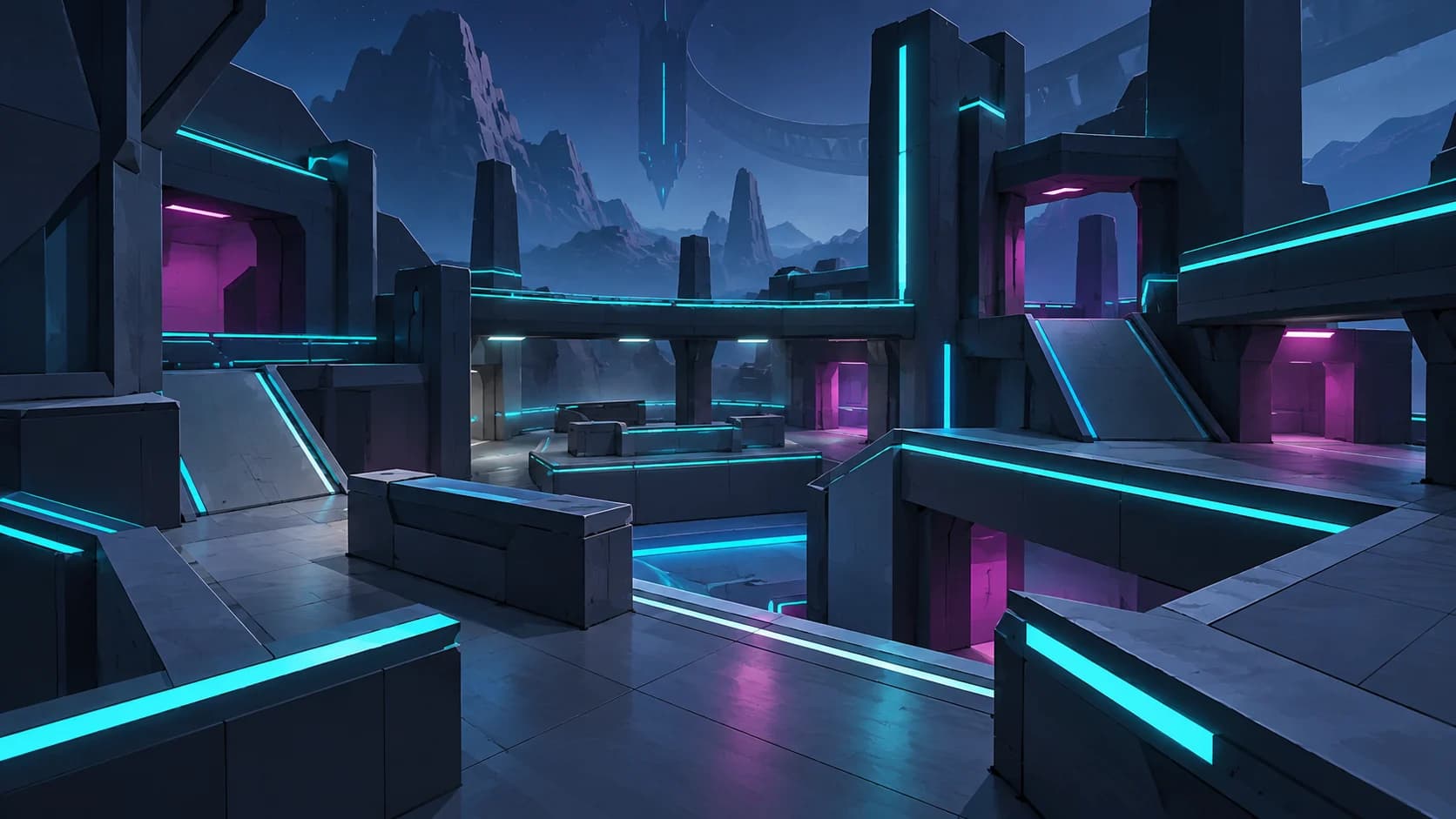
Start Hypershot by opening the official Roblox game, choosing one advertised format, and giving yourself a small practice goal. Learn how your current weapon and ability feel before planning more unlocks. A useful first session leaves you able to identify one thing to practise next, even if your results are uneven.
This Hypershot beginner guide uses official information checked on October 27, 2026. The practice routine is editorial advice: it gives you a way to compare your own attempts without claiming a tested fastest route, a weapon ranking, or a guaranteed result.
01
Open the right game on a familiar device
Use the official Hypershot experience, created by Frosted Studio. The name also appears on unrelated products and games, so the creator and game link are useful checks when following a search result. The official listing describes a fast first-person shooter and supports PC, phones, tablets and console.
For your first session, use a device whose inputs you already understand. Learning an unfamiliar device while learning a new shooter makes it harder to tell which part needs attention. Before starting, look at the controls and options actually shown in your current game, and make sure you can comfortably see the information on screen.
02
Choose one format to learn first
The public mode list names Team Deathmatch, Capture the Flag, Free for All, and Gun Game (Arsenal). The listing also advertises 1v1 and 2v2 duels with friends. These give you several ways to start; read the current in-game instructions when choosing, especially if the format is unfamiliar.
Pick one format for your opening attempts so you have a consistent point of comparison. If a friend is learning with you, the advertised duel formats are worth checking together. Agree on a simple learning goal, such as noticing when you lose sight of an opponent, instead of judging the session only by who wins.
Our game modes guide separates the officially named formats from details that still need checking. Use the rules shown in your match for scoring, timing and objectives.
03
Set one practice goal you can notice
Our suggested routine begins with observation. In your first attempt, concentrate on finding opponents on screen and keeping track of what happens around a fight. Afterward, choose one recurring problem: losing the target, making a rushed decision, or forgetting to consider an ability.
For the next attempt, work on that single problem while keeping the rest of your approach reasonably consistent. For example, if you often lose sight of opponents, pay attention to where you last saw them before changing your aim setup. A specific observation gives you something useful to revisit; a general conclusion that you need better equipment gives you much less direction.
04
Understand what each unlock changes
Hypershot's official description groups weapons, skins and abilities among the things associated with coins and gems. Those labels matter when you inspect an item. Read its current description before deciding whether it changes your equipment, adds an ability, or provides an appearance option.
The official catalog contains concrete weapon names, including Dual Blasters in the Starter Pack and P90 in Essential Weapons. A package name tells you about advertised contents; it does not establish which weapon will suit your first session. Start by understanding what you can currently use, then compare other options against a specific need you have noticed.
The weapons and loadouts guide explains those catalog distinctions and a practical comparison checklist. Treat handling you observe yourself as feedback, and keep appearance preferences separate from assumptions about combat strength.
05
Give abilities their own learning moment
The official listing describes abilities as tools for outmaneuvering opponents. Before trying to build an elaborate combination, read the description of the ability available to you and notice what its use changes. Keep any conditions, costs or timing shown in your current interface in view while learning it.
As an editorial exercise, choose one situation in which to pay attention to that ability during your next attempt. Afterward, ask whether you remembered it, understood the effect, and could explain why you used it. Changing several equipment choices at once makes that reflection harder, so introduce changes gradually when you can.
06
Learn your resources before planning a grind
Coins and gems are named in the official description as currencies associated with unlocking weapons, skins and abilities. Check your current balance, the item description, and the displayed requirement before committing resources. A search result using the word “cash” or “money” does not establish which currency a particular item uses.
A useful first-session habit is to note your balance before and after playing, together with what you actually did. This helps you understand your own progress without depending on a promised earning rate. Decide what you are saving for only after you understand the item and its current requirements.
The coins and gems guide covers resource and bundle distinctions. Keep a desired unlock as a planning goal rather than treating every early match as a race to spend.
07
Adjust settings one change at a time
If something feels uncomfortable, first describe the problem precisely. Trouble tracking a moving target, difficulty reading the screen, and unfamiliar inputs are different observations. Check which relevant options your device and the current game actually offer before copying somebody else's setup.
Our suggested comparison method is to change one option, try it under similar conditions, and decide whether it addresses the problem you identified. Keep a note of the previous value so you can compare sensibly. You can review the platforms and settings guide for the officially supported device categories and the settings features described in the catalog.
08
Finish with a short review
Before leaving, write down one thing that became easier and one thing that still confused you. Keep the next practice goal small enough to recognise during a match. That gives your next session a starting point without requiring a new purchase or a complete rebuild of your setup.
A useful first-session checklist is:
- Confirm the official game and creator.
- Learn the instructions for one chosen format.
- Observe your current weapon and ability before changing both.
- Check currencies and item descriptions before an unlock.
- Make one deliberate practice or settings change.
- Record one question to investigate next.
Keep practice within the game's rules. The official listing warns that cheating can lead to bans across accounts; scripts and executors are not part of this learning plan.