
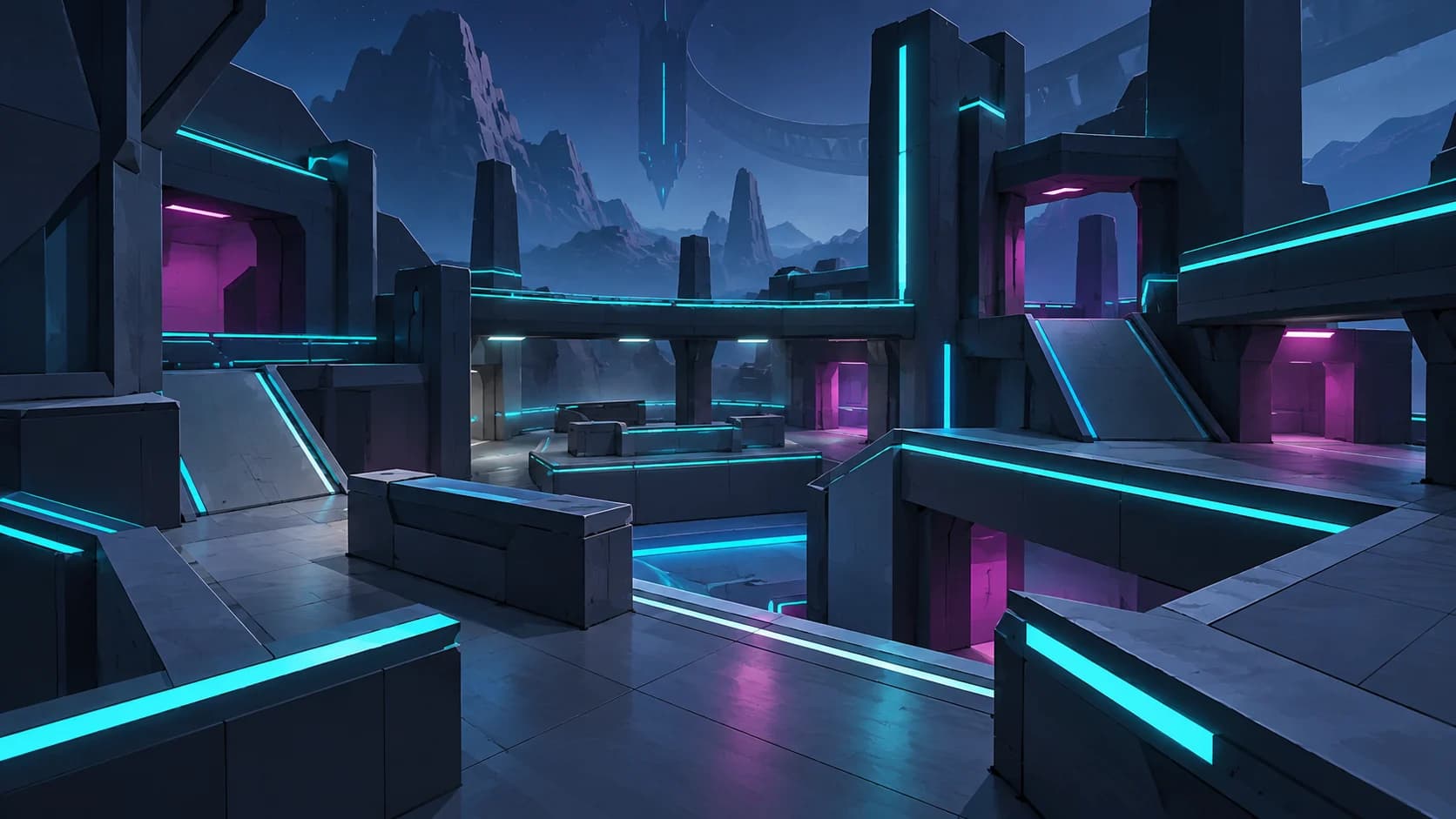
No current Hypershot reward code was successfully verified in our October 27, 2026 check. We also did not obtain an official redemption workflow, so this page has no confirmed active or expired strings to copy. That result does not establish that no active codes exist.
The check covered public official game and developer material, plus the public Discord invite preview. It did not include Discord announcement messages or an in-game redemption test. Use the sources below to check a specific claim before treating it as a working reward.
01
Where to check for official code announcements
Start with the official Hypershot Roblox page and Frosted Studios website. The developer website links the exact game, Hypershot Discord invite and PhoenixSigns developer account, which helps you identify the right destinations.
If you can access Discord announcements, look for the original dated developer message behind a claimed code. Our check verified the invite destination, rather than the contents of those messages. The official links and updates guide keeps these destinations together for future checks.
02
Check a claimed code against the current game
This is an editorial verification checklist, not a confirmed menu route:
- Find the original announcement and read its date, exact string, stated reward and any eligibility or expiry conditions.
- Launch the game through the official Roblox page. Inspect the interface actually shown in your current client rather than assuming an older tutorial still matches.
- If the current game provides a relevant redemption control, follow its own instructions and enter the string exactly as announced.
- Read the complete response and check whether the stated reward was actually received. A copied code alone is not evidence of success.
If you cannot find a relevant control, return to the official announcement for context. Do not invent a button sequence or infer that a code is expired merely because the interface differs from a video.
03
Reward codes, crosshair IDs and scripts differ
| Claim you find | What to establish |
|---|---|
| Reward code | An official announcement and a current successful redemption result. |
| Crosshair ID or design string | Whether the current game supports that particular customization format; it is not evidence of a reward code. |
| Script or executor instructions | These are executable instructions, not reward codes. The official game listing warns that cheating can lead to bans across accounts. |
The official channel has crosshair-related Short titles, but a title alone does not verify an import string or explain the current interface. See platforms and settings for the supported customization scope.
04
When a claimed code does not work
Keep the exact response separate from your explanation. An error without supporting announcement details does not establish whether the cause is spelling, eligibility, prior use or expiry. Recheck the original source and current instructions before repeating an unverified fix or labeling the code active.